Please make it clear to what it is your are replying to - for example by quoting the part of a post you are replying to (select the relevant text, then choose Quote from the pop-up). That makes it easier to follow the thread.
The size of most of the UI elements, such as buttons in the toolbar, is set by the Java Look’n’Feel.
On Linux, the Look’n’Feel defaults to com.sun.java.swing.plaf.gtk.GTKLookAndFeel and thus the UI elements are dictated by GTK. That, on the other hand, means that the appearance influenced by the GTK theme in use.
BTW, as you are using Ubuntu, you can install Vassal as a package. Just go to the download page and pick up the .deb package and install that.
Thus, there are at least a couple of options available to you:
- Use a different Java Look’n’Feel. See How to set the VASSAL Look’n’Feel. For example, the Look’n’Feels
javax.swing.plaf.metal.MetalLookAndFeel,javax.swing.plaf.nimbus.NimbusLookAndFeel, andcom.sun.java.swing.plaf.motif.MotifLookAndFeelall generates a more compact layout - see also the screenshots. - Use a different GTK theme. The default GTK theme on Ubuntu 22.04 seems to be Yaru.
- Upgrade to Java Runtime Environment (JRE) 17
 $ sudo apt install openjdk-17-jre
 $ sudo update-alternatives --set java /usr/lib/jvm/java-17-openjdk-amd64/bin/java
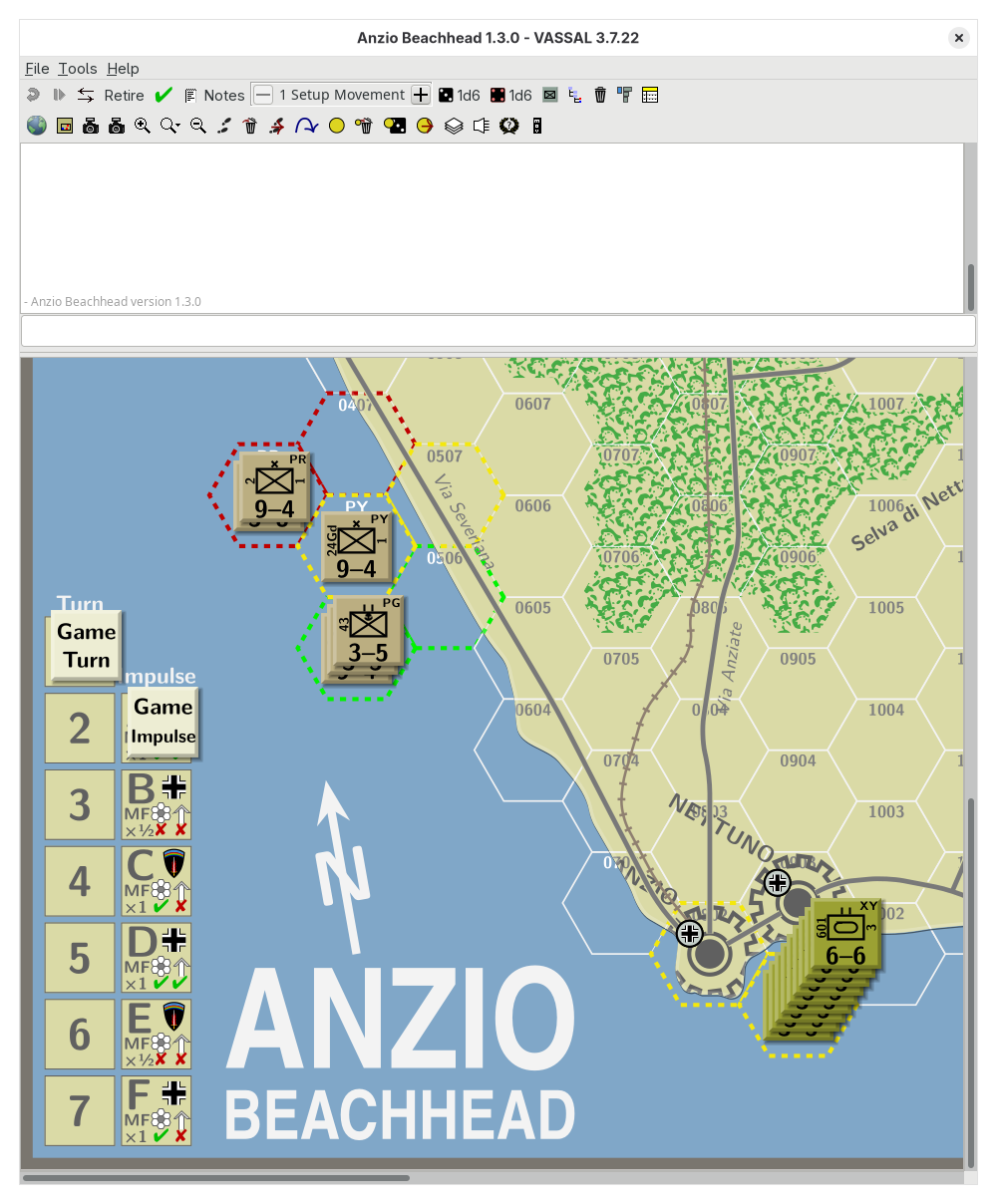
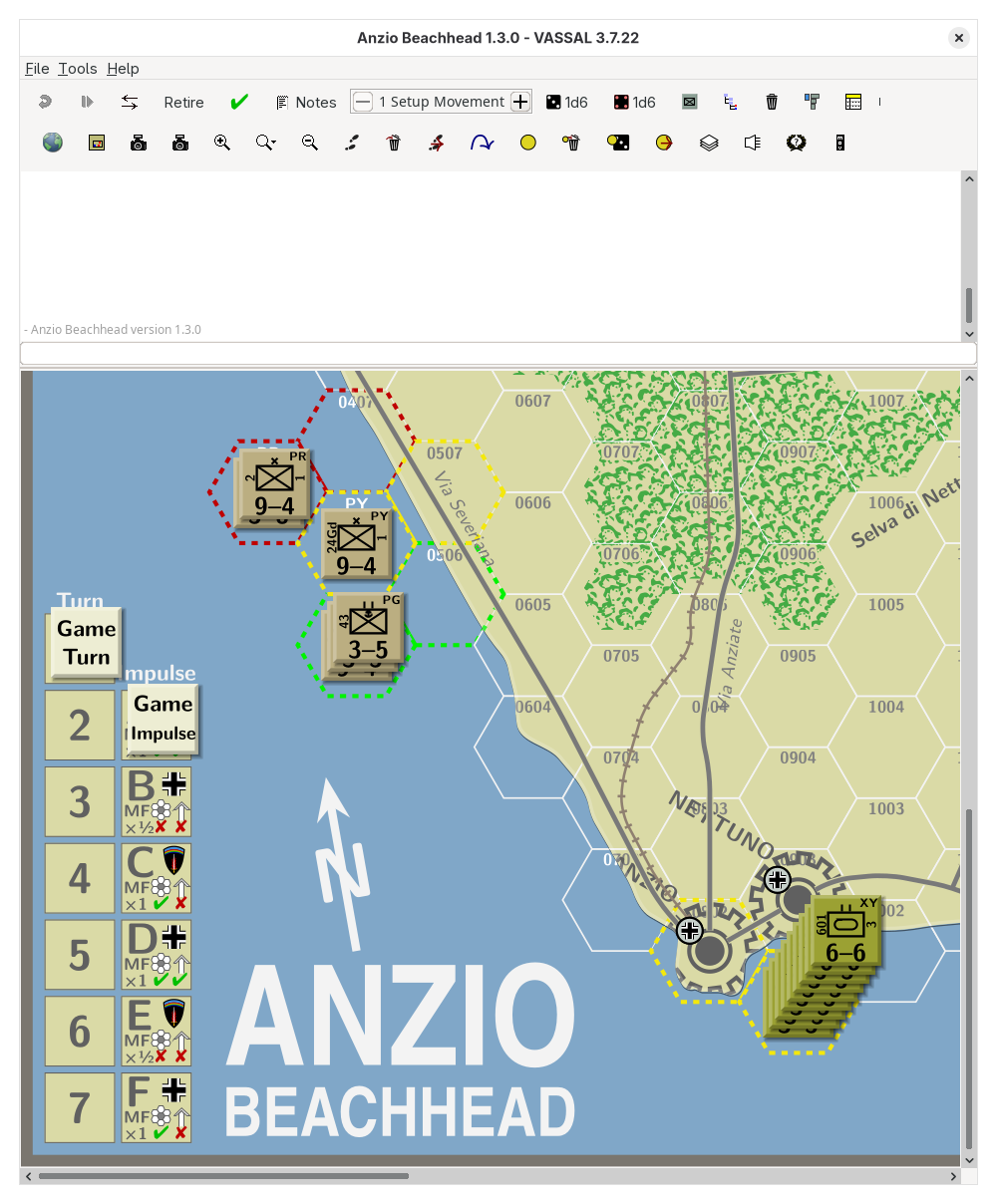
Note that sometime after JRE 17 the support for GTK in the JRE was improved, which is what makes the difference in the UI. Arguably, the later UI appearance is better in line with the rest of the desktop and is more appealing.
Yours,
Christian