# How to set up a peer-to-peer game
**URL:** https://forum.vassalengine.org/t/how-to-set-up-a-peer-to-peer-game/90004
**Category:** Documentation
**Tags:** tutorial
**Created:** [March 23, 2026, 8:20pm UTC](https://forum.vassalengine.org/t/how-to-set-up-a-peer-to-peer-game/90004 "2026-03-23T20:20:33Z")
**Posts on this page:** 3
**Page:** 1
### Author:  [@cholmcc](https://forum.vassalengine.org/u/cholmcc)
#### Post date: [March 23, 2026, 8:20pm UTC](https://forum.vassalengine.org/t/how-to-set-up-a-peer-to-peer-game/90004/1 "2026-03-23T20:20:33Z")
# Peer-to-peer game setup
These are instructions for running a peer-to-peer game. If you want to run a game using either the central Vassal server or a private server, see [these instructions](https://forum.vassalengine.org/t/how-to-set-up-a-networked-game/90005).
## Setup
We suppose we have two machines **A** and **B** both connected to the same Local Area Network (LAN), and two users seek to play the module [Battle for Moscow](https://vassalengine.org/library/projects/battle_for_moscow_cholmcc). Both players should get the _exact same_ version of the module.
> If one want to make absolutely sure, that all players are using the same module, the may exchange checksums of the modules. See [here](https://forum.vassalengine.org/t/how-to-play-by-email-pbem/90008#p-177461-integrity-of-log-files-9) for more on calculating and checking checksums.
| Machine | **A** | **B** |
| --- | --- | --- |
| LAN IP | `192.168.1.2` | `192.168.1.3` |
| User | `a` | `b` |
| Password | `a` | `b` |
To set up a peer-to-peer game, the following procedure should be followed.
> If you want to run a game with more than two players, then duplicate the instructions for client **B** as needed.
## On _both_ clients
1. We start the Vassal and load the selected module. When prompted to choose the play mode, we select _Look for a game online_
2. We then click **Finish**
3. Now the module has been started up, but we have not yet started a game. First, we need to set-up the connection between the two client.
4. If already connected to a server, press the _Disconnect_ button 
5. Now _right click_ the server button and select _P2P Network_
6. Now click the _Connect_ button  - _not_ the button with the word “Connect” on it, but the one with two arrows.
## _Only_ on client A
1. Press the button with the word “Connect” on it.
2. This will pop=up the _Direct Connection_ dialog. Press the _Add_ button at the bottom.
3. This will pop-up yet another dialog with three text fields in it.
4. Back in the _Direct Connection_ dialog, select the newly added entry and then press the **Connect** button.
5. _Both_ clients will now show the connection.
6. Still _only_ in client **A** , we can now start the game via
_File_→_New Game_
7. Client **A** will be prompted to select a side
8. This will start up the game as per normal.
## _Only_ on client B
1. Select the `a` user in the _Current Game Room_ and right click i to show a context menu. From that context menu selec _Syncronize_
2. Client **B** will be prompted to select a side
## _Both_ clients are now connected
| **A** | **B** |
| --- | --- |
| 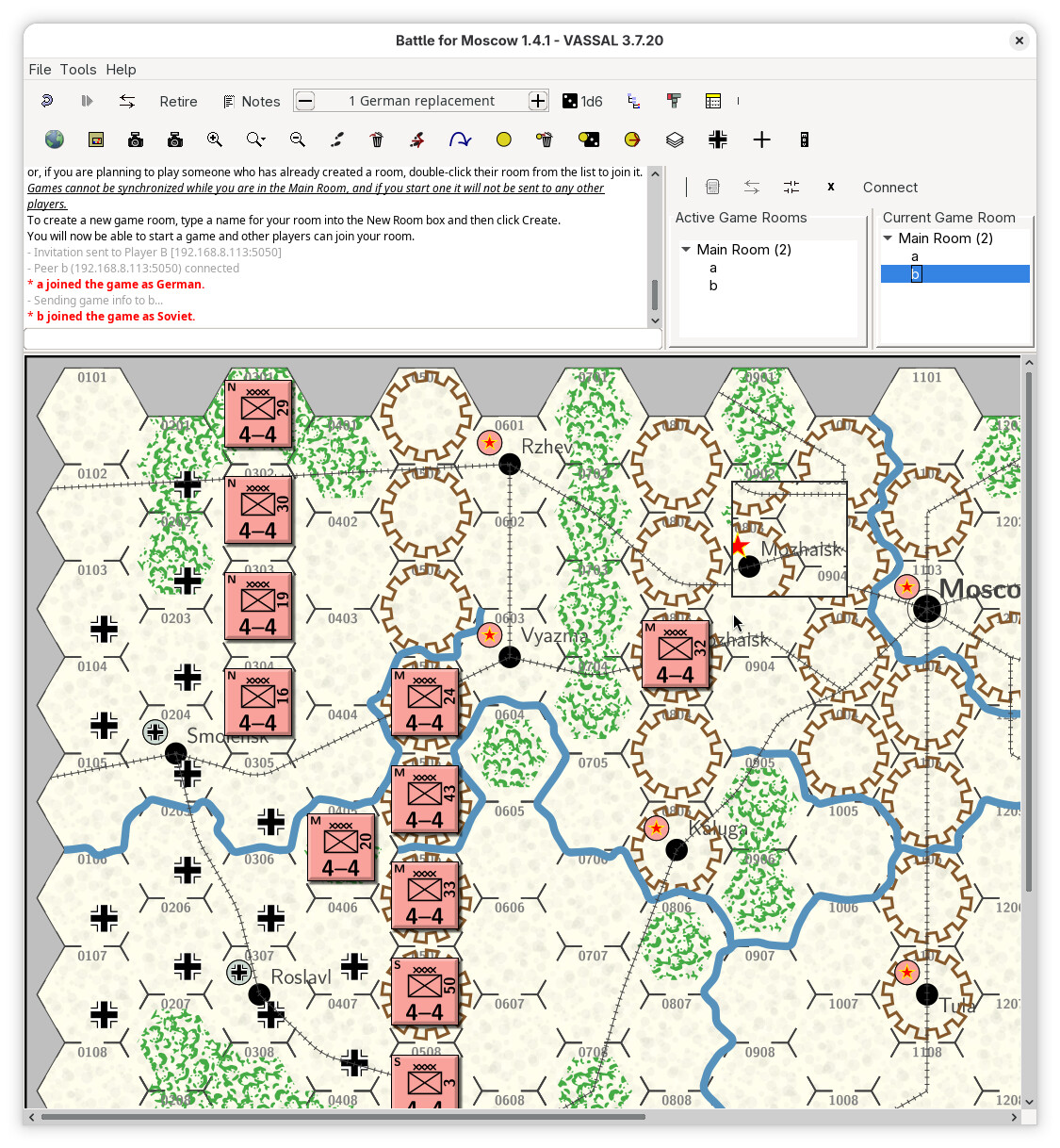 | 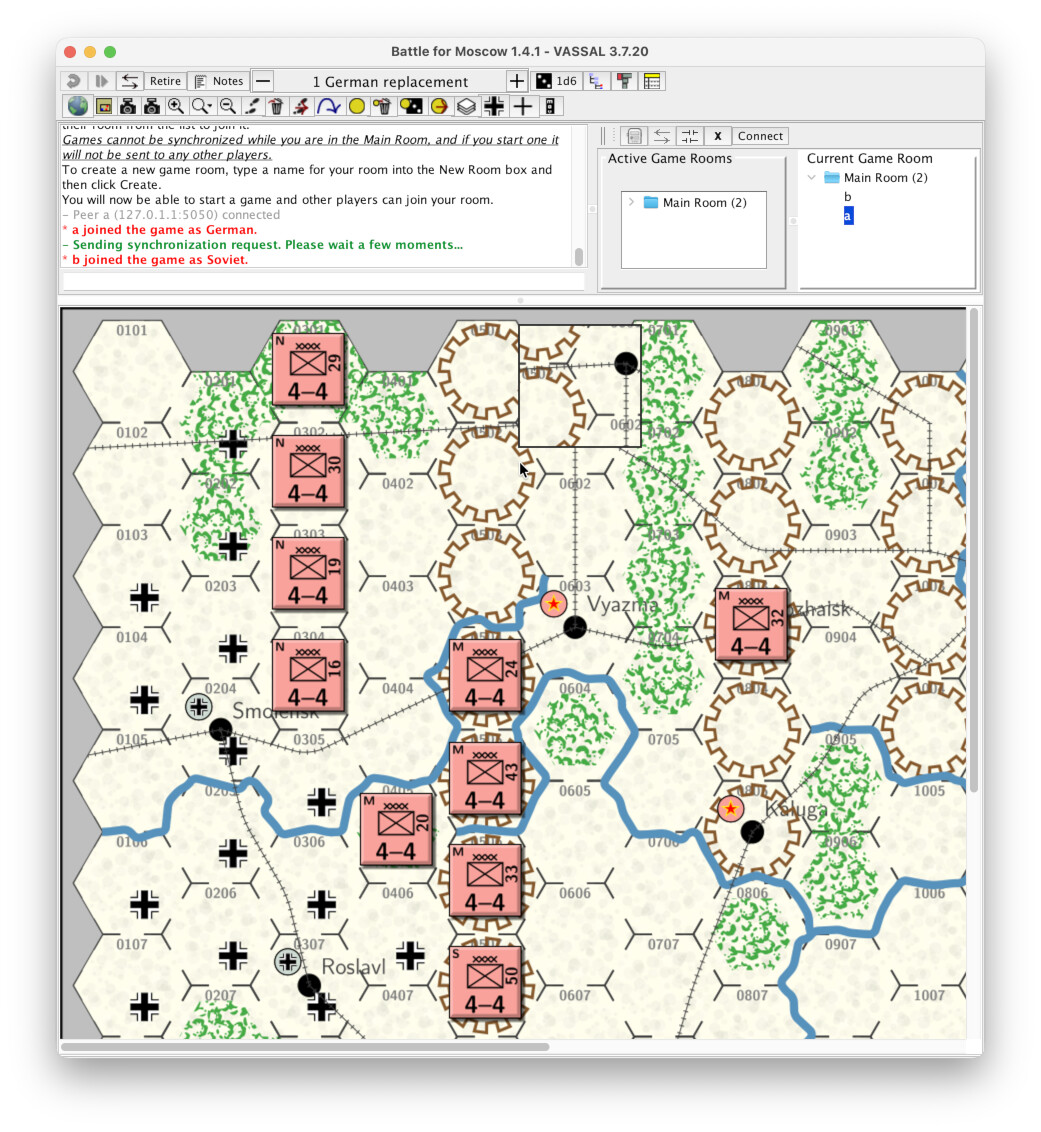 |
You and your follow player can now start to play the game.
## Problems with syncronisation
If it seems like a client is out of sync with the other client - typically after a client machine suspends or you switch to another application for an extended period of time - you may need to syncronise the two clients again.
In the server controls interface, in the _Current Game Room_ panel, right click the other player and then select _Synchronize_.
---
### Author:  [@palad0n](https://forum.vassalengine.org/u/palad0n)
#### Post date: [March 24, 2026, 9:25am UTC](https://forum.vassalengine.org/t/how-to-set-up-a-peer-to-peer-game/90004/2 "2026-03-24T09:25:27Z")
To be a bit fussy - this is peer to peer. A pier is a jetty, wharf or similar. Good work though.
---
### Author:  [@akulkis00](https://forum.vassalengine.org/u/akulkis00)
#### Post date: [July 19, 2026, 1:21am UTC](https://forum.vassalengine.org/t/how-to-set-up-a-peer-to-peer-game/90004/3 "2026-07-19T01:21:37Z")
Good info. Bump.