I would like to put in a plug for this… This was originally requested back in 2011…
For those of us with bad (and worsening) eyesight, this would be an important usability / accessibility enhancement.
I would like to put in a plug for this… This was originally requested back in 2011…
For those of us with bad (and worsening) eyesight, this would be an important usability / accessibility enhancement.
There’s already a Pull Request (PR) on this: Make charts zoomable. Perhaps making a bit of noise on this will help get that into the next Vassal release 
I can only hope  I know everyone is focused on V4, but I’m hoping if it’s not too much work someone could get it into V3.
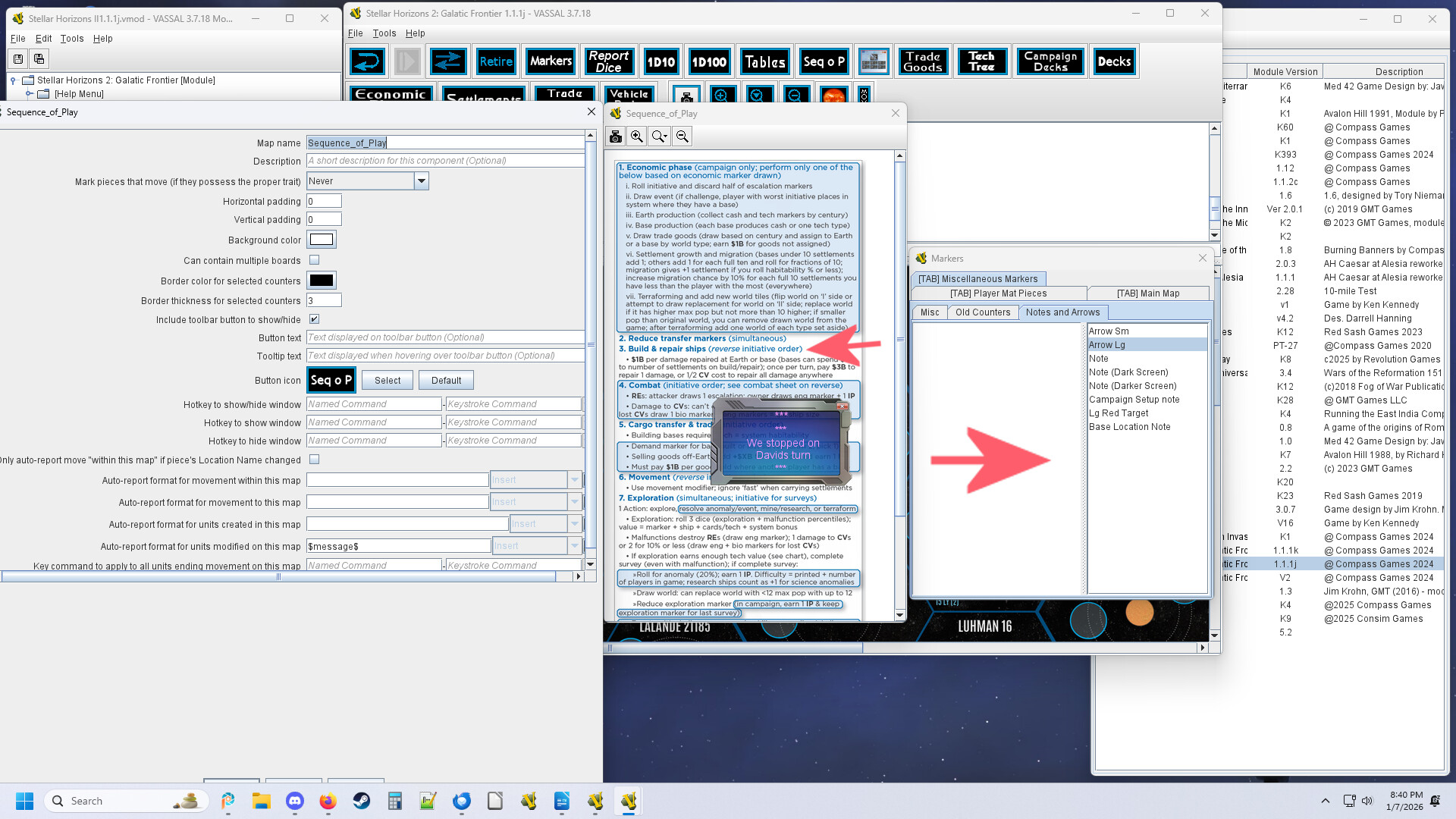
One workaround for now is to add charts as a Map Window, with its inherent zoom feature.
I believe it is mainly @uckelman that is focused on version 4 of Vassal - there’s still some development being done on version 3 - not least by @rlament and @marktb1961 . Joel is, however, to some extend, the bottleneck for new developments because he’s the one doing the final merging and releases.
True, but that requires that you edit the module - which is not something all users are comfortable doing. The above mentioned PR fixes the problem at the “source”, meaning all charts will have zoom capability without any module modifications.
One could also create a custom class (see Creating Custom Classes) that overrides the default VASSAL.module.build.widget.Chart element and add that to modules. However, it would again require modifications to the modules.
Yours,
Christian
Map windows aren’t really a great workaround. It would be fine for a single chart, however typically the charts tabs have multiples. So you would have to create a sesperate map window for each chart.
That is what I do. You can cut and paste a generic map setup, then add specific maps.
For tables I turn off marked moved. and mostly remove any reporting from the chart
Using a map also lets you use arrows and notes on your chart should you wish.
Everyone can see we stopped on ‘Build & repair ships’ on David’s turn.
Since my group is so old. David just has to remember his name between sessions 
While I appreciate the workaround, it doesn’t change the fact that for many applications, having a map per chart is an unnecessary complexity and adds more work to module development.
So again, I will reiterate that I think this would be a very useful addition to the charts capability in Vassal.