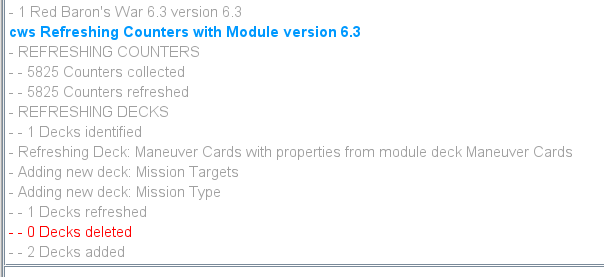
My Red Baron’s War I am adding 2 decks to generate random mission types and targets but when I run the refresh counters:
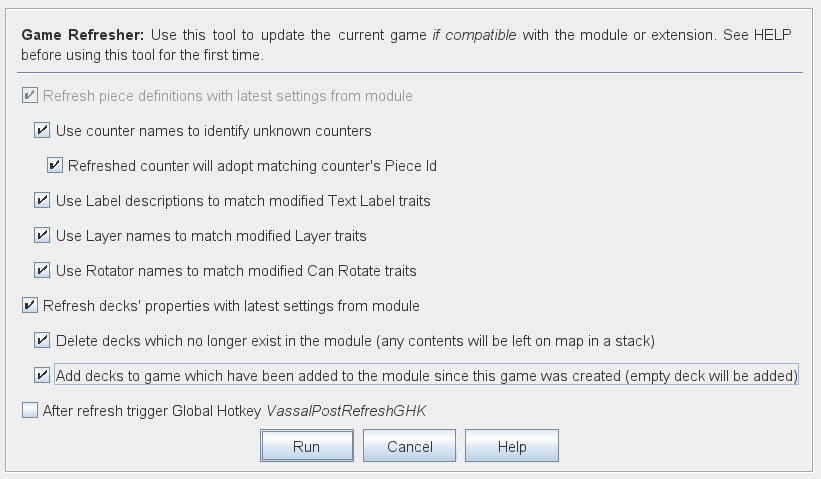
It tells me two decks added but when I check the decks it shows no cards:
I guess you are refreshing save - .vsav. Please also give a link to your module - even an older version - so that people may better help you with your problem - see also How to report problems.
In saves, all pieces - cards are just glorified pieces with an automatic Mask trait - must be specified. That is, when a save is loaded into a game, all At-Start stacks are removed, and then the pieces are placed as specified in the save.
In your case, you have added pieces to the module - most likely in At-Start stacks in some Decks - but those pieces were not known when the save was created. Thus, the save does not specify any position for those pieces.
One could argue, that the Vassal Refresh tool should add pieces in At-Start stacks which are not specified in the save. However, that could quickly become a problem too when a user refreshes the pieces as some new pieces would show up unexpectedly. Presumably, module designers know a little more than the users, so the task is better left to the module designers.
What you need to do, is
.vsavBTW, from the screenshot above, it seems you have set the module version to 6.3. However, the Game Library insists that you use Semantic Versioning, which means your version number should have three parts - as opposed to the two parts you have right now. That is, your version number must be of the form major.minor.patch - see also here.
Also, if you module is Work-in-progress, you could make a new project for it, and then upload your draft with a pre-release version number, as in for example 6.3.0-alpha.1. In that way, you signal that the module isn’t fully released yet and one should expect glitches and bugs. Note, that a release 6.3.0 is considered newer than a pre-release 6.3.0-alpha.1.
Also, one could argue, since your module hasn’t been released yet, that the appropriate version number would have a major version of 0 - e.g., 0.6.3, and once you release, it will become 1.0.0. The version number of the module does not necessarily have anything to do with the version number - or edition - of the game itself.
Also, remember to mark the solution to your problem, as it helps others find the solution to their problems. Only you, @ChuckS, as the original poster can do that.
Yours,
Christian
I figured out a simple fix, I set the decks so they could be saved to a file and loaded the file back into the vsav that needed them after running a refresh of the module saved it again and loaded it back and the cards are there!
Yes trying to update 1812 and La Grande Armee I ran into the version change. Once the final is ready to be uploaded I will change over to the x.x.x versions, thanks for reminding me and the deck saving idea was triggered by your post!