I know Vassal does not have interactive/clickable sheets or anything like that, but was anyone able to emulate such sheets with what Vassal provides? Apart from the Property sheets?
One way that comes to mind is to have a background picture of the actual sheet and create and position on/off buttons (changing blank and “X” layers) in the proper spaces to resemble tick marks? But this would be rather tedious, provided there are many potential sheets to create in a wargame with say 50 units…
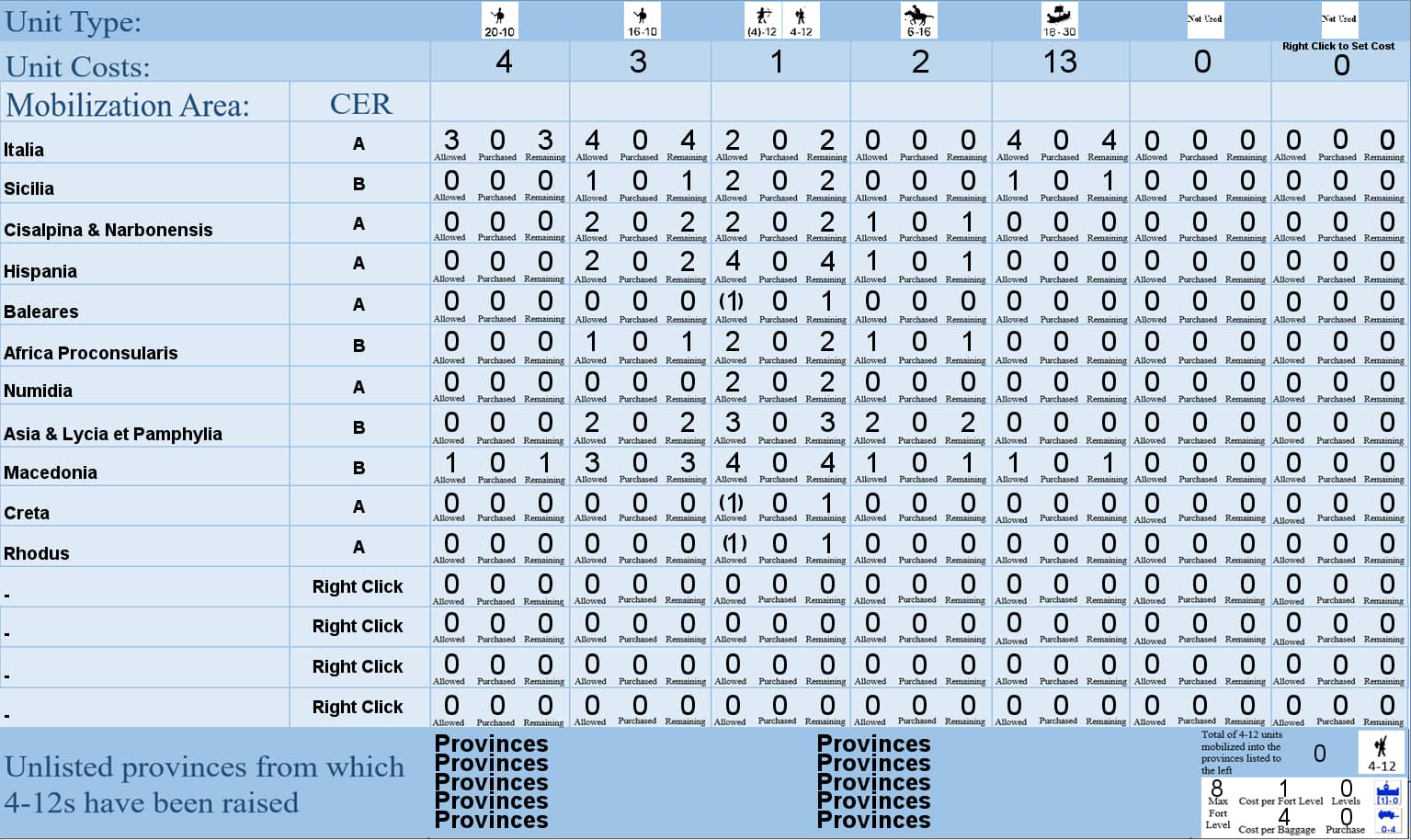
Take a look at my module for Imperium Romanum II, and look at the mobilization form. This form allows players to track the number of units that have been mobilized, sets limits to the number mobilized, and calculates the number of allowed units to be mobilized.
Is this what you are trying to do, except only with a yes/no validated with a tick mark?
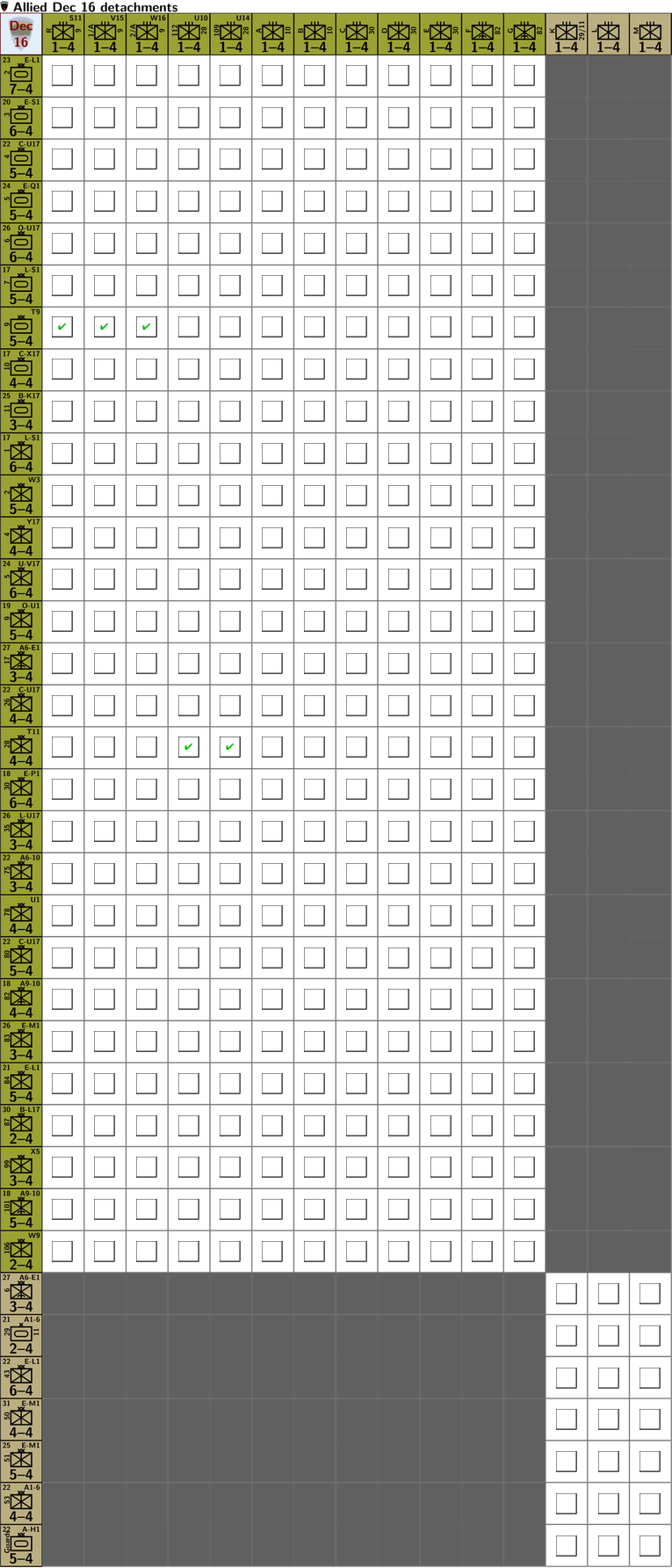
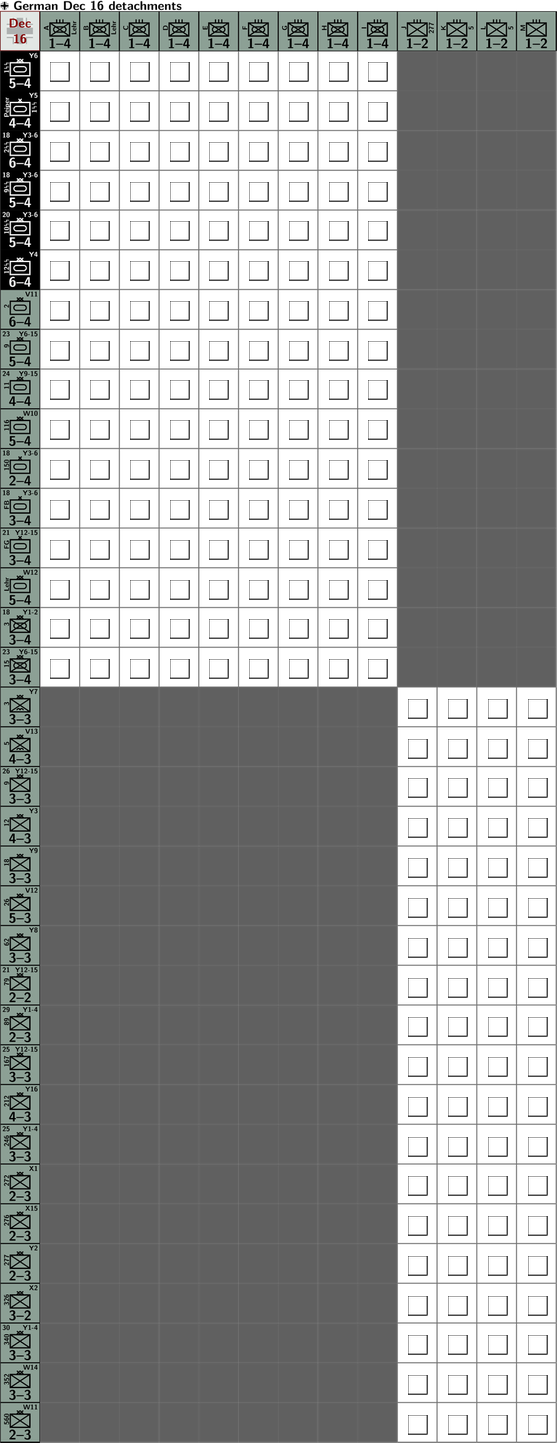
I’m not entirely sure what you are after. I take it you mean you want a spread-sheet like window with interactive cells (I’m confused because you mention Property Sheet). If a spread-sheet like window is what you want, I can point you to Battle of the Bulge - Smithsonian Edition. In that module, I have sheets to keep track of detached units
In each of the white-background cells is a Game Piece which has a Action Button trait to toggle between checked and blank, and Does not stack to prevent the piece from being moved.
That sounds a lot like what I do above.
I use my pywargame Python module to make these kinds of things, which means I can code it up and automatise it, rather than having to enter everything by hand in the Vassal Editor. That makes it much easier and less tedious to do.
I am working on a module for a spaceship wargame (hexgrid, counters) and need to keep track of the ships’ statuses/damage. And at the same time I don’t want to create anything overly complicated or dependant on external tools, so that the module is easily maintainable, even if it lacks certain finess and automation.
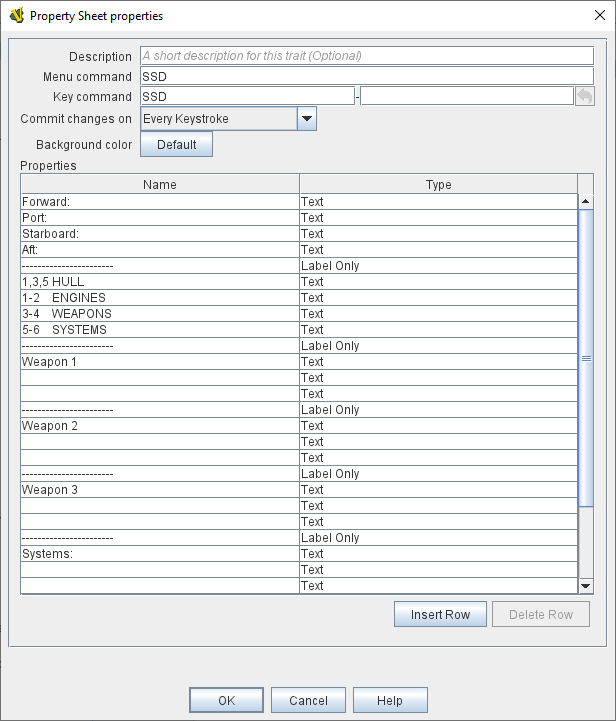
With a Property Sheet I can use a text version of the Ship sheet and either use individual rows for the Ship’s traits from the original sheets, or paste a text version as one large block of multi-line text (as it will be possible to export the sheets you can create for the physical board game into a text version, suitable for play-by-forums etc.). Example below.
It sounds a little like you’re designing a new game and one that does not have a physical copy at the moment. If that is the case, then it may be worth consider various ways to record status of the units (spaceships).
In my Vassal implementation Littoral Commander: Indo-Pacific I use the Attachment and Mat traits to associate the tracker cards with its unit and to place markers for tracking. This allows a playing piece to know about its tracker and vice versa, while making the Vassal experience close to that of the real physical game.
Unlike the impression that the name and documentation of Property Sheet) trait gives, the “properties” defined in the sheet are not accessible to other traits. That means that one can only change the sheet values manually through the user interface and not via other traits or actions. In that sense, a Property Sheet) is a way for players to manually track changes.
I believe the Property Sheet) trait was created to accommodate a similar feature in the Aide de Camp software, for which Vassal has an import filter.
Just to be clear, the pywargame Python module is only used when making or modifying the module. After that, the module is a regular Vassal module which requires no external tools for playing or additional edits.
So ultimately, the answer is yes. you can do exactly what you are attempting to achieve. It just depends on how much information you want to display, and how much interactivity the display information shares with counters on the board, and how you go about achieving that. Christian’s example is probably closer to what you are looking for than mine, but the possibilities are numerous as regards to these kinds of tracking sheets within a module. But to be clear, in my example, no information is shared between the mobilization form and individual counters. Ther is information shared from another form (The Power Form).