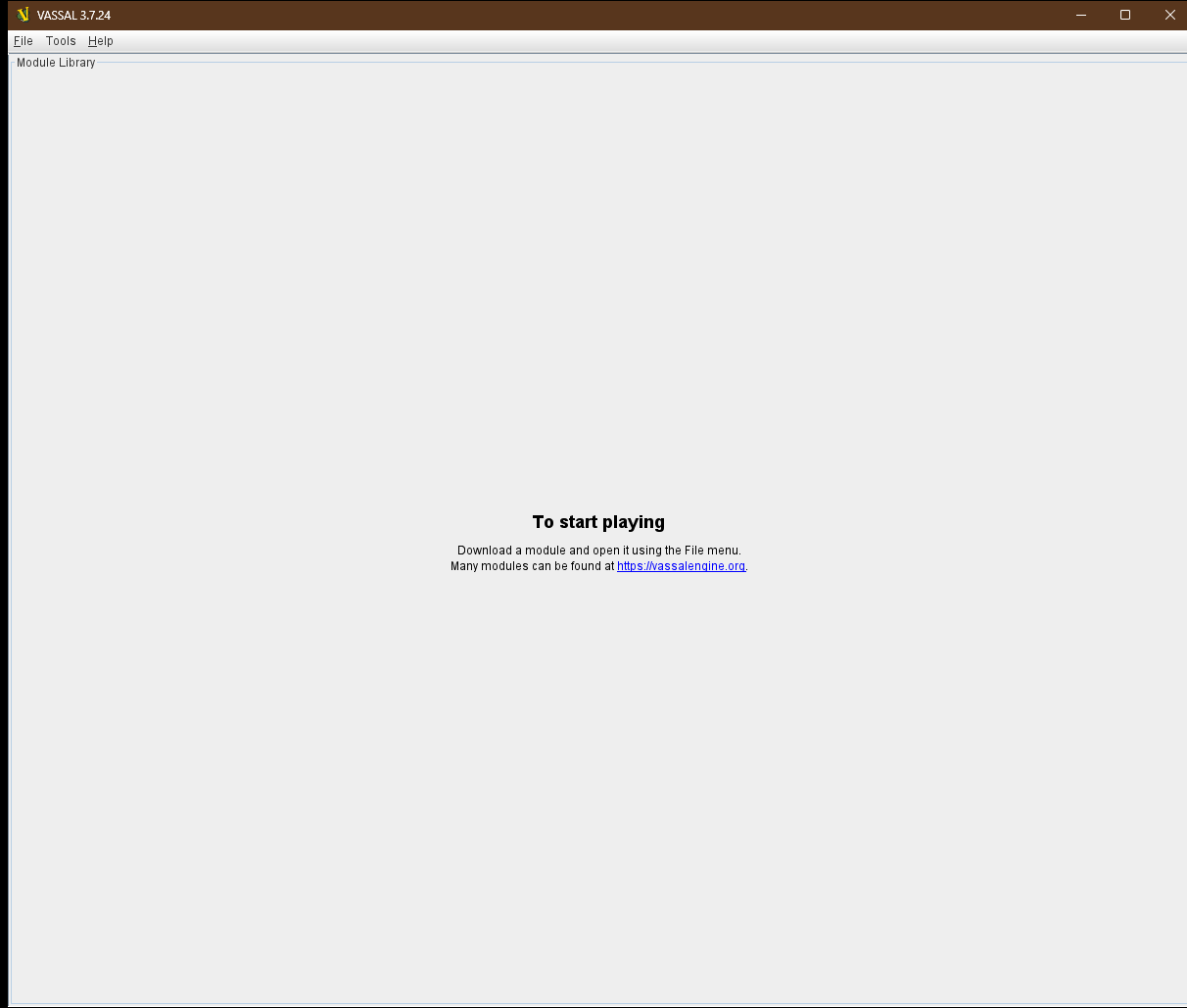
It has taken me a long time to realise why this happens, but I eventually figured it out. I store all of my documents and downloads in the cloud, specifically GoogleDrive, this includes any and all modules I download (although not the installed Vassal engine itself of course). This has the benefit of meaning whatever laptop/pc etc. I am on all my modules are in the correct place (with no need to download them multiple times). However, if I turn on my pc or laptop and too quickly open Vassal before GoogleDrive is fully connected OR if I wake my laptop from sleep and for whatever reason the GoogleDrive app has crashed upon waking: when Vassal loads it checks to see if the modules are there and if they aren’t it WIPES my entire library, this is huge. I have to then open each module again.
Is there no way to build in a grace period or just get the engine to relax, sure you cannot follow the path right now, but maybe on a future boot up you will be able to: I would much sooner it give me an error message to say it cannot locate all modules that will remind me to close Vassal, verify GoogleDrive is loaded, connected and working then reopen Vassal and then all my modules will be there?
I imagine for someone who has outside of Vassal deleted the modules this feature is great, it means Vassal cleans up its listing, but for me it is a nightmare and a constant pain for me. I try and remind myself to slow down, but when I am due to play a scheduled game I so often just load Vassal as soon as the PC has booted and boom I lose EVERYTHING.
I have been meaning to post this for about 6 months, but I have eventually remembered now!
you will not need to re-import the modules into the manager.
Of course, that requires a bit of discipline on your behalf.
On Linux, you can open a module at a specific location by passing the --load option. Suppose you have your Google Drive Vassal directory mounted as /mnt/googledrive/vmods, and you want to play Foo.vmod from there, then you can do
$ vassal --load /mnt/googledrive/vmods/Foo.vmod
which you won’t be able to do until the directory is actually mounted. lll
That’s a looong method. Perhaps there should be a command line option that will disable the clean-up of the known modules - say --keep-modules or perhaps an explicit --clean-modules, or both defaulting to --clean-modules.
This isn’t just a problem with Vassal. OneDrive, GoogleDrive, or whatever these things are called, aka, “The Cloud”, have been automatically deleting files for millions of people worldwide. It seems to be a well-known issue. Here’s a net search for onedrive deleting files automatically.
I don’t use these “features” myself because, being a rube, I only have one computer, but I understand that the more sophisticated among us use severeal “devices” and like to have everything accessible in one place.
This is a different issue entirely. The problem we are facing is what happens when the cloud storage is not online, not the cloud storage deleting files while syncing.
Thanks everyone, yes Uckelman is correct Rob, the issue is simply when the cloud is not immediately available at the point of Vassal loading. Thanks Cholmcc, I now have a workaround, perhaps Vassal could periodically backup this file automatically? It cannot be huge file size to backup? Maybe before every new write? I don’t know. What does anyone else think?
I have just found the file and backed it up it’s 3KB.
Do you one better - there’s now a Pull Request (PR): Do not remove modules, clean up cache - by yours truly - that will fix the issue in a better way:
If a module file is not accessible, then it is disabled, meaning
its entry is greyed out
actions, except Remove are not possible
the name is set to the file name
version number to ?
and other columns empty
When the file becomes accessible and the list is redraw (mouse over, for example, or explicit request), then the module information is read in, and the list refreshed.
If a file later on becomes inaccessible, it will be disabled.
A user may execute Tools→Clean Modules to remove all modules which are not accessible
The patch also allows a user to remove stale image caches.
Is there a known directory that GoogleDrive uses, or is this something that depends on the user’s individual setup?
You can find development builds for the PR here, labeled with the name of the PR branch (cholmcc_no_clean_modules). Please try one and let us know how it works for you.
As this pull request was merged into the 3.7 release branch, it means that the behaviour will be fundamentally different starting from release 3.7.22 of Vassal. Please see the PR for more details.
Ok. Just updated to 3.7.24 and all my modules are gone from the library. The files are still there on my HDD. They are not in the cloud or anything, they’ve always been on the drive. What happened?
Find the line starting with Modules=. What follows after the = is a list of paths to the various modules known to the Vassal Module Manager. If you are on Windows, then a path could be
C:\Users\USERNAME\Documents\Vassal\Foo.vmod
Check that the paths listed in V_Global corresponds to actual files. If they do not, then something could have been moved. If they do, then perhaps the OS has limited the access to the files for some reason, or the V_Global file could have gotten corrupted. Finally, there’s also the possibility that there’s no paths listed, which again would suggest that the V_Global has gotten tampered with.
The point of the fix in 3.7.22 was to never automatically remove any module from the V_Global file - unless the user explicitly told Vassal to do so. That means, that if module paths are missing from the V_Global file, then, most likely, the user has somehow made that happen.