Notice:
This fix will change how you interact with the Vassal module manager.
Vassal will, on start-up, list all the modules it has in its settings file V_Global, whether those files are accessible or not. However, if a module file is not accessible, it will be grayed out and it’s version number set to ?
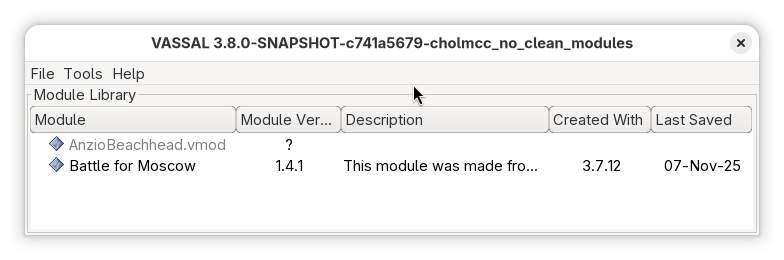
Above, AnzioBeachhead.vmod is not accessible.
If the module does become accessible, then the module will be enabled again in the module manager when ever the module manager is refreshed (either explicitly through the Tools menu, or by a re-draw).
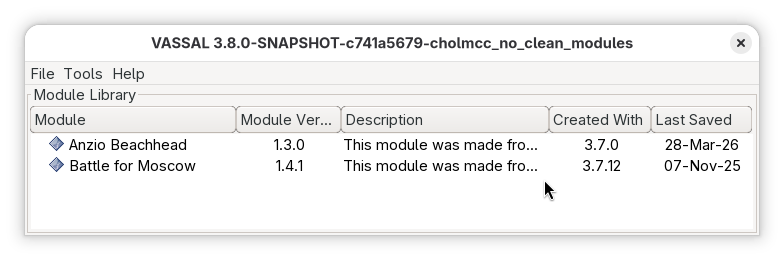
Thus, this change means that modules are never removed automatically from the module manager. If you want to remove a module, right-click it and select Remove, or use the menu entry Tools→Clean modules to remove any module that is grayed out.
Another entry in the Tools menu let you clean up the tile cache (which can be quite big) for any module that cannot be accessed.
This fix will help if you store your module in temporary media, such as cloud services or removable media.
Yours,
Christian