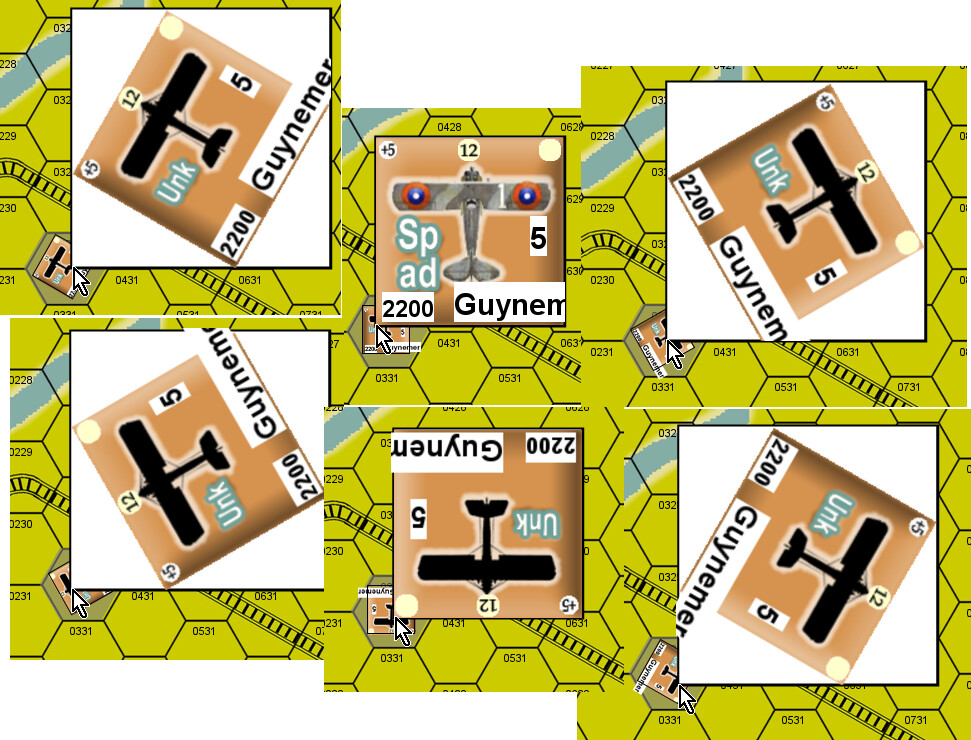
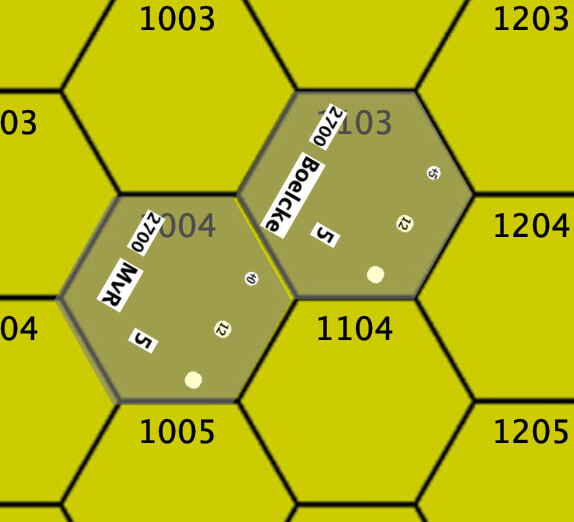
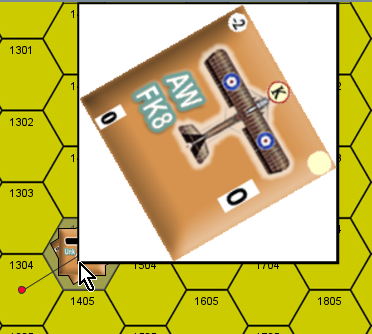
Counters for one side show the masked image when hidden and you mouse over the other shows the counter without being masked why?
The units are set to allow any player to see them so no player side is impacting this.
I guess you want the owning player to be able to see the un-masked unit, right?
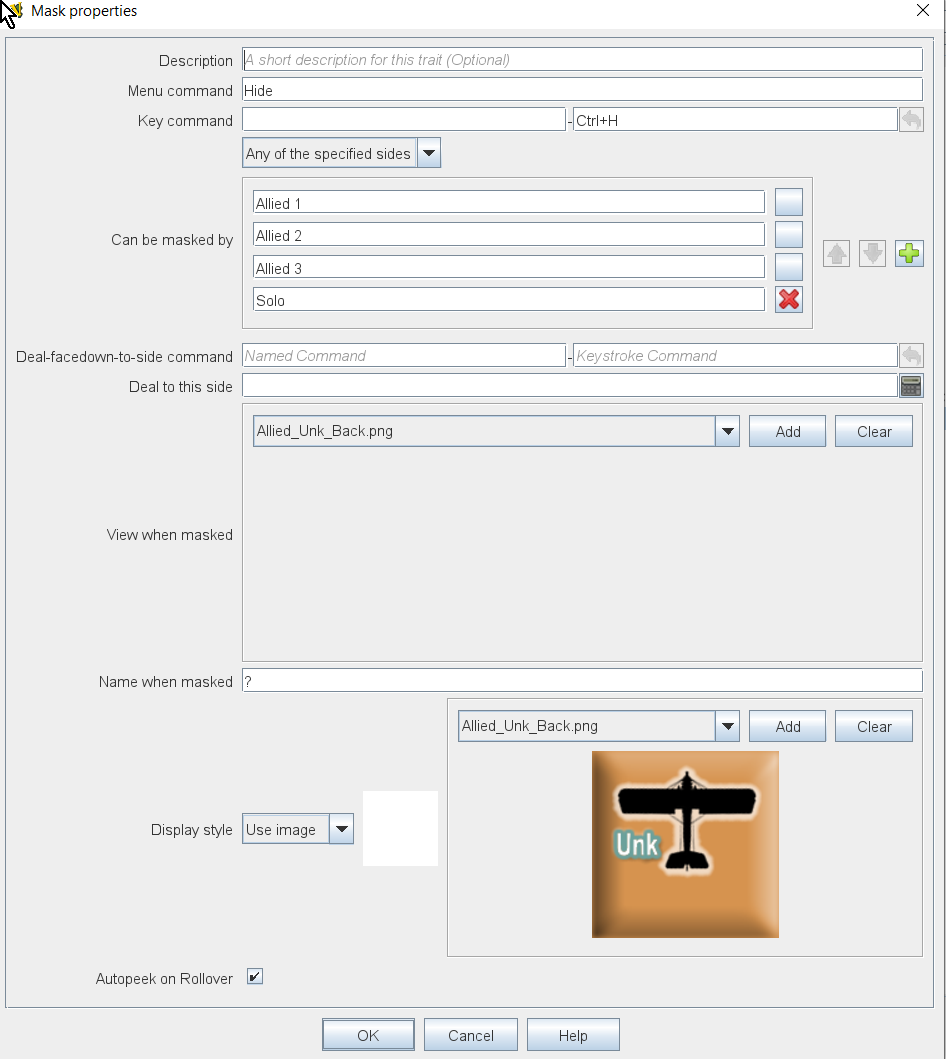
In your Mask trait, you have not set the View when masked configuration. That means the image of the unit will be the image of the piece will be the base image for all sides.
You have set Display style to the masking image. However, this mask is really only activated for the board rendering and when the piece is rotated and shown in the Mouse-over Stack Viewer (this could be a bug - that the owner mask image is used if the piece is selected or shown in the stack-viewer if no peek key is defined, and the owner display is set to Plain, and that the unmasked image isn’t shown if the piece is rotated and shown in the stack viewer - the problem must probably be found in VASSAL.counters.Obscurable).
What you probably want, is to set the View when masked configuration to be the mask image - e.g., German_UnK_Blank.png. But then you also want to change Can be masked by to Any side or Any of the specified sides - otherwise the masking doesn’t really have any effect (you probably want Any of the specified sides with German 1,2,3 for German units, and Allied 1,2,3 for Allied units). You can set Display style to anything you want - for example Plain if you also want the owning side to see the mask image.
If what you want is for the piece to show the masked image to all sides, and that the piece can be revealed to all sides, then a Mask trait is probably not what you want. Instead you could use a Layer trait to achieve that effect.
Also, you probably need to define a key short-cut or named command, if you set Display style to Plain, for the Peek command, or the hidden piece will be shown in the stack viewer and when clicked, to non-owning sides. This is probably because of a bug in Obscurable that counts a click or stack view as a selection, and then as a peek command.
Yours,
Christian