Draw a line between two pieces?

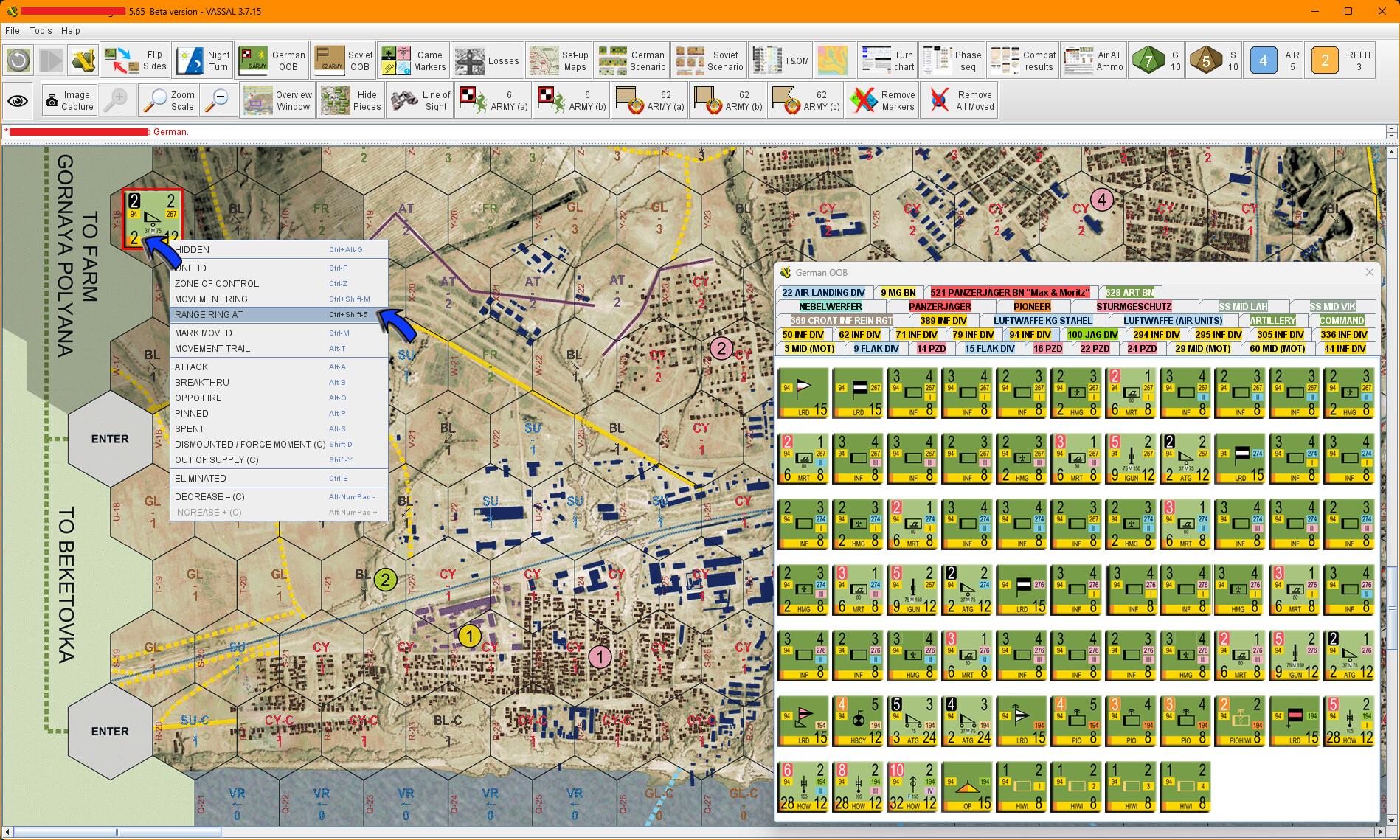
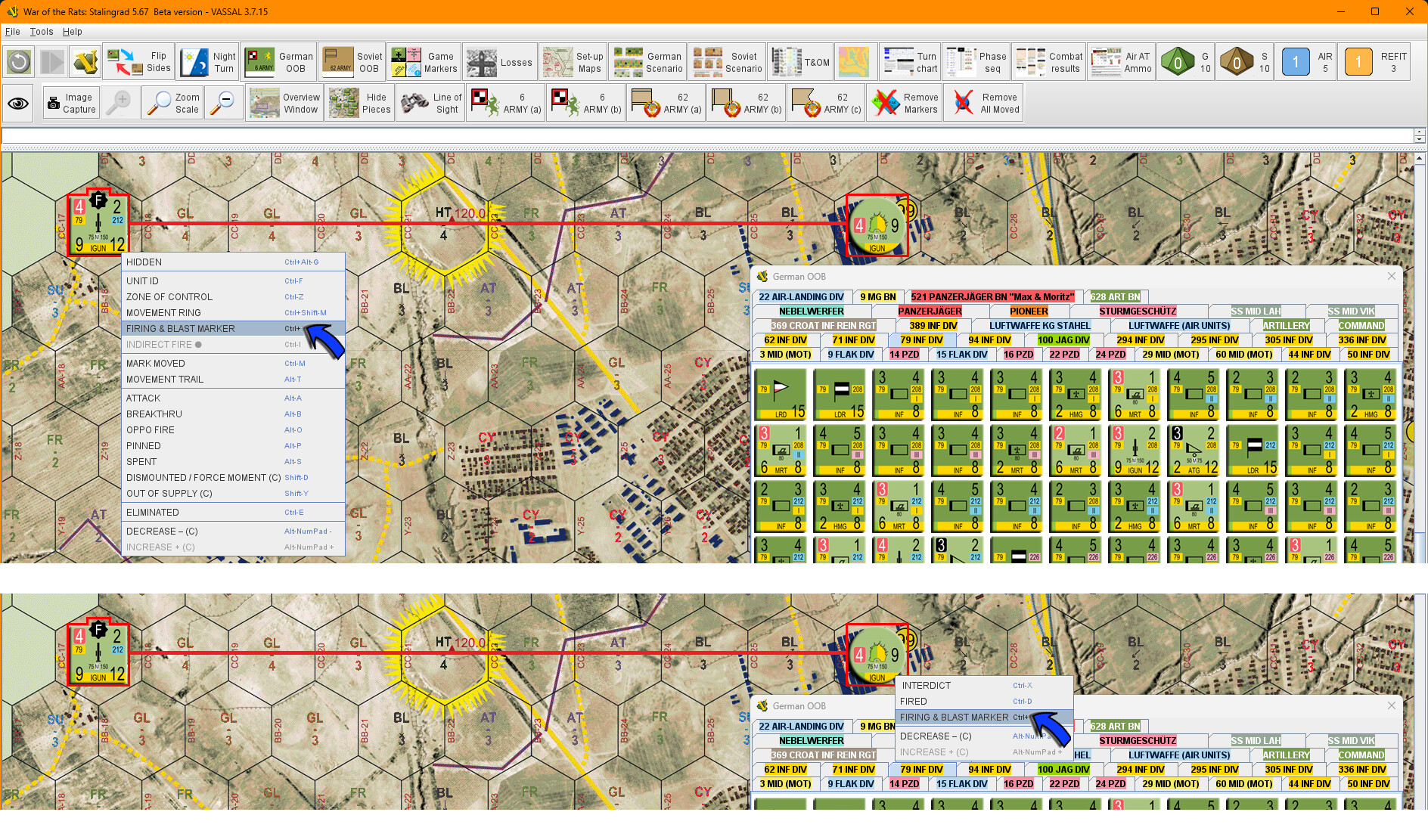
Is it possible (already in Vassal) to draw a line between two pieces? I already use LOS to show the maximum firing range. I would like to link the two pieces, with unique names, this mainly for long range artillery units off the screen.

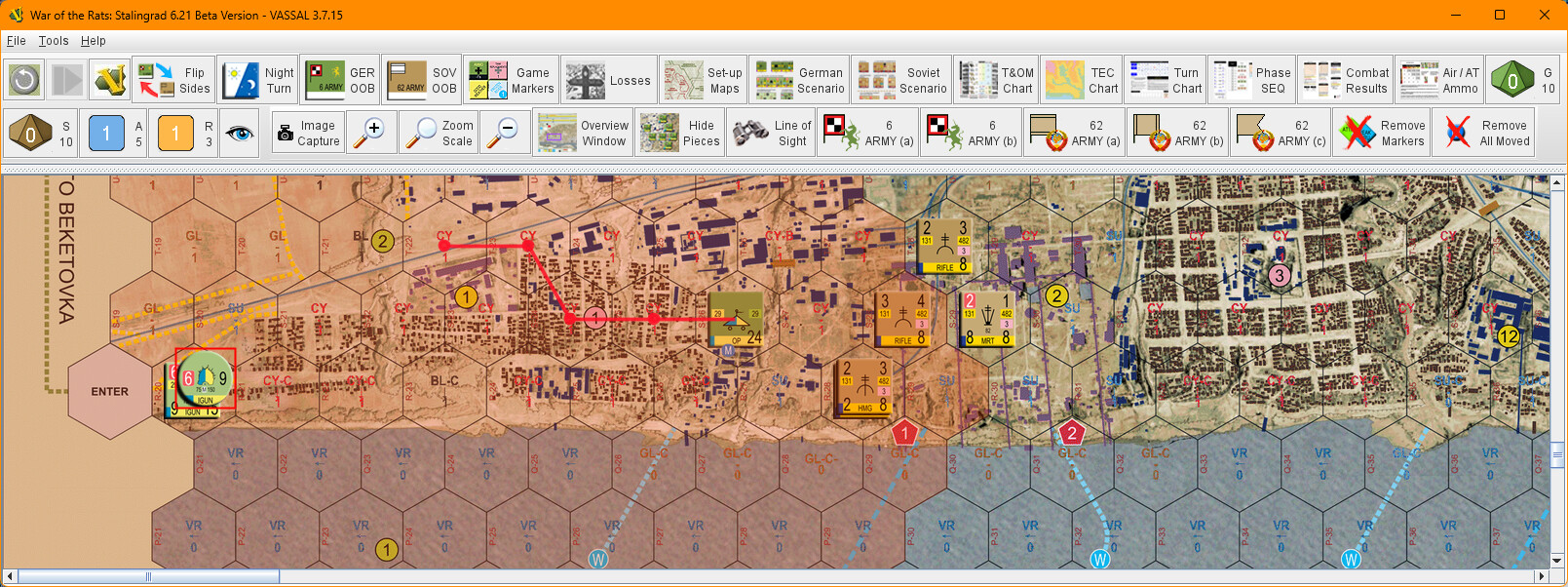
The first example shows the current range firing ring.

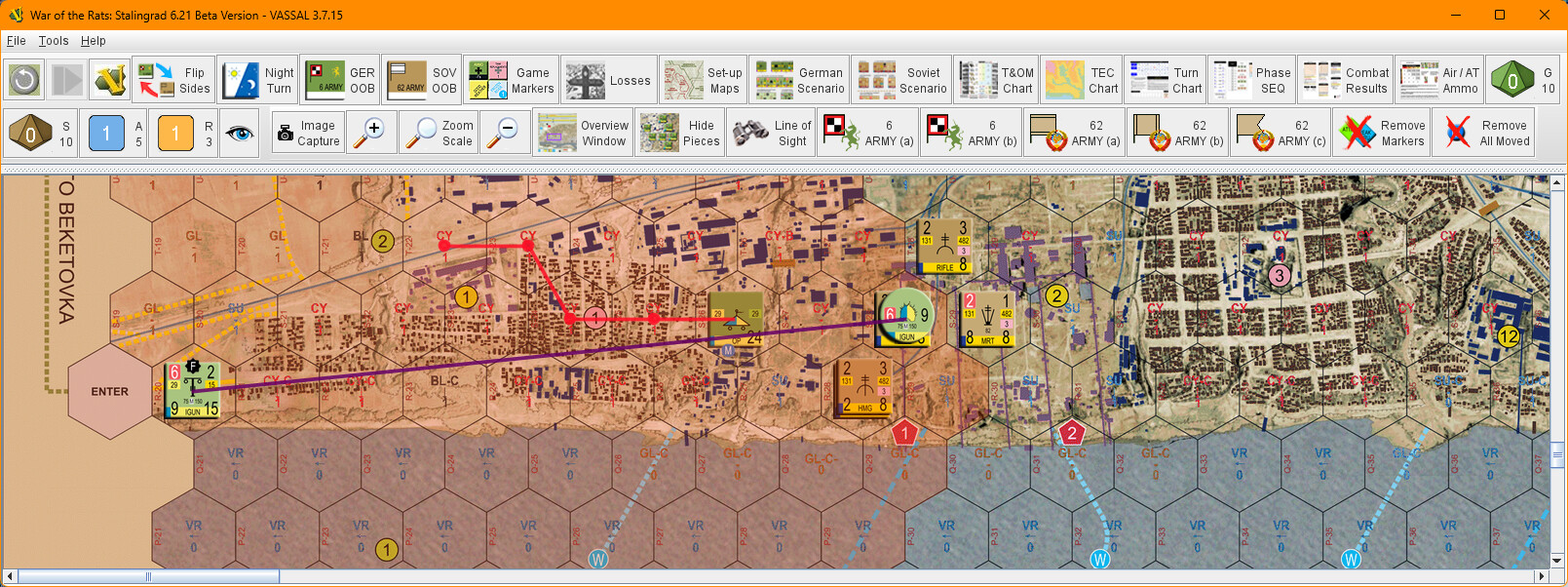
The second example show another command I would like to add “Firing & Blast marker.”

Short answer: No

What you could do, is to define a number of pieces that contains the line (and end points). Note that:

  • You would need one such piece for each range possible

  • The background of the piece image should be transparent so as to show the underlying board and pieces.

  • The pieces should be on a separate layer (see Game Piece Layers)

  • The image should have the Can Rotate trait, possibly with infinite rotation angles, or with some fixed angles - what ever works best.

  • The line should protude from the centre of the image:

    +-------------------------------------------------------------+
    | O=============================O                             |
    +-------------------------------------------------------------+
    

    so that when you rotate it, it will rotate around the location it was placed.

  • Long range fire units should then be able to place the piece on top of itself (see Place Marker).

Yours,
Christian

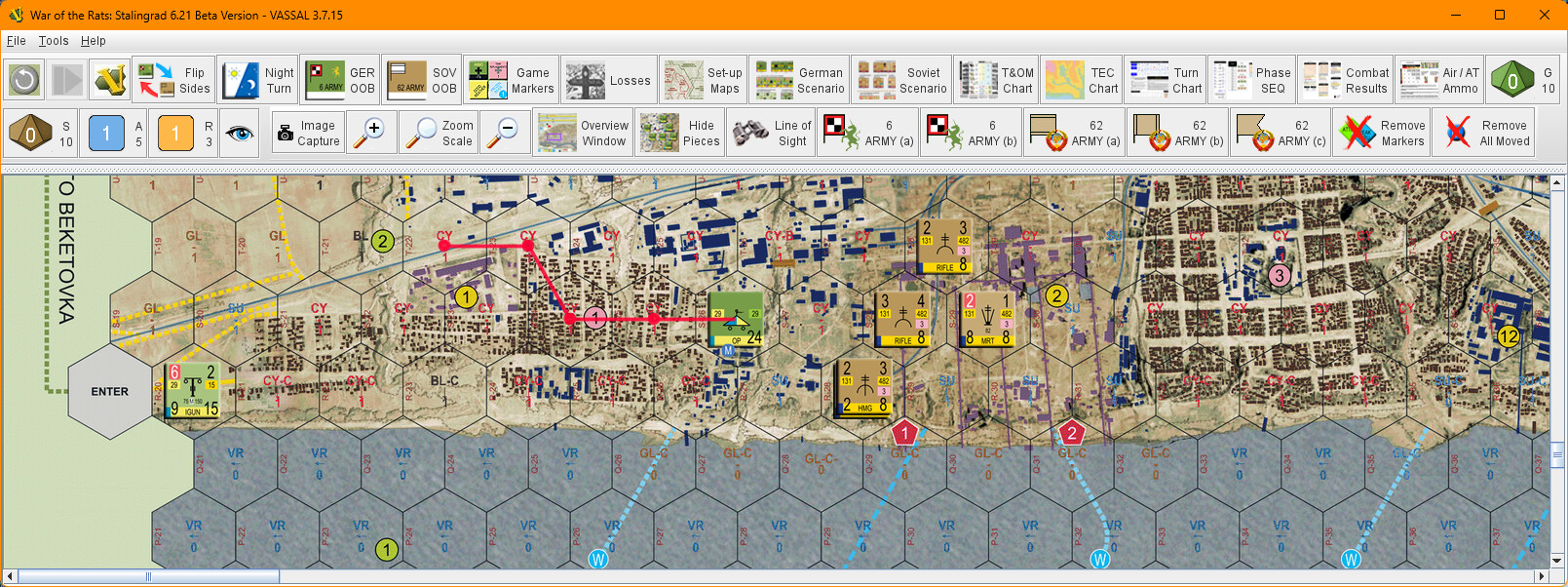
Perhaps movement trails could mimic the line between pieces. Add a Movement Trail to the Fire & Blast marker. Position it at the firing unit and move it to the target. Not sure how you specify the firer and target. It could be automated somewhat with a Mulit-location command or Send to Location. Of course the line will disappear when someone clears movement trails. That may be good or bad depending on your use case.

Christian, ye of little faith!

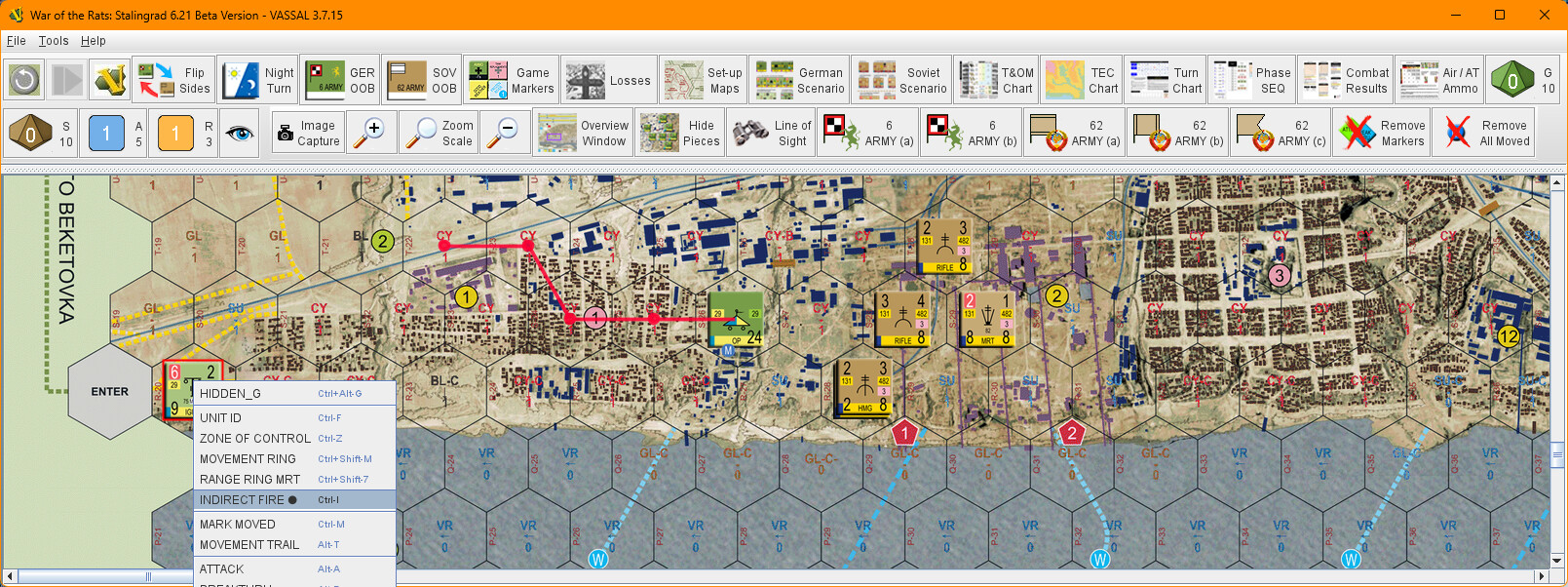
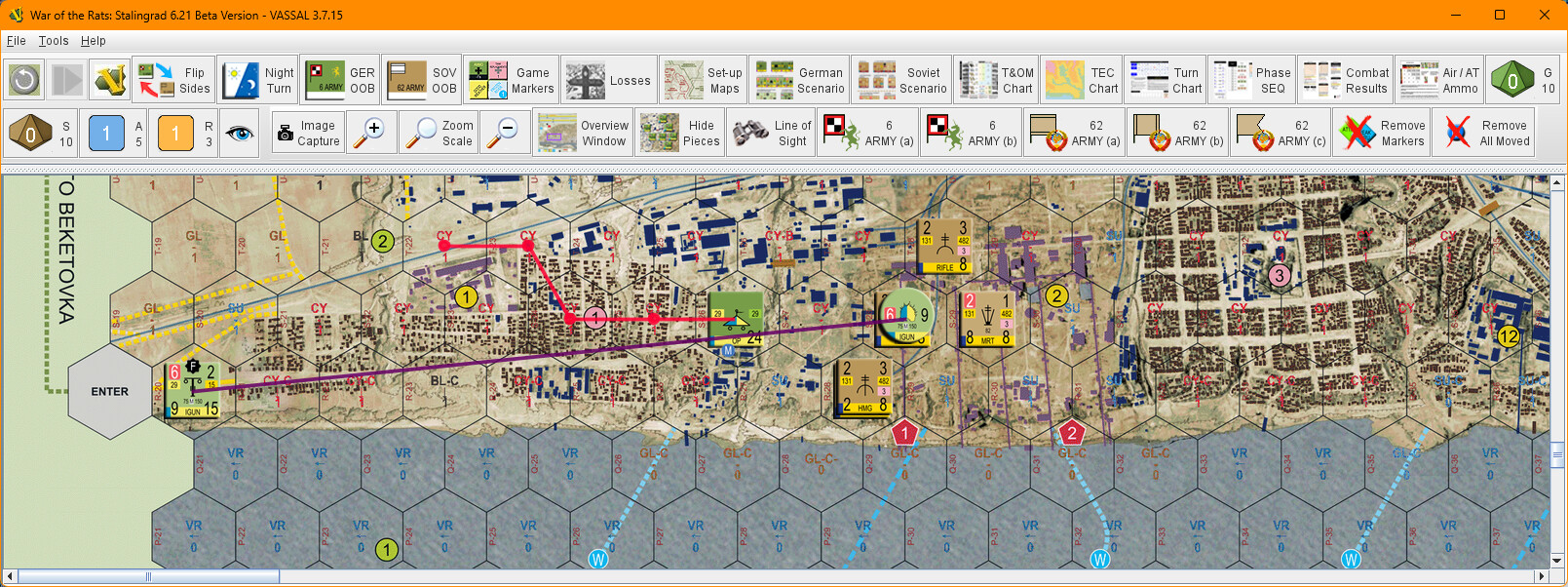
So, this morning I realized that the MOVEMENT TRAIL command was similar to what I wanted (80%). I created a copy and renamed it TRAJECTORY TRAIL and with some editing and TRIGGER commands I had success! Not 100% what I wanted but close.