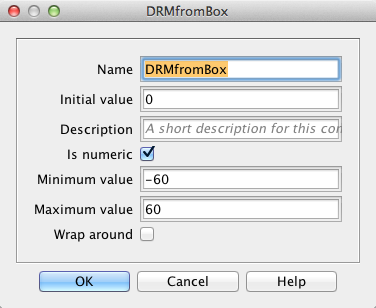
When using the Set Global Property command the given minimum and maximum values are typically ignored. Is there a simple way to prevent that?
The Min/Max values are only implemented for the context in which they are used.
- Min/Max on the Global Property component - applied by any Change-Property elements added to the GP.
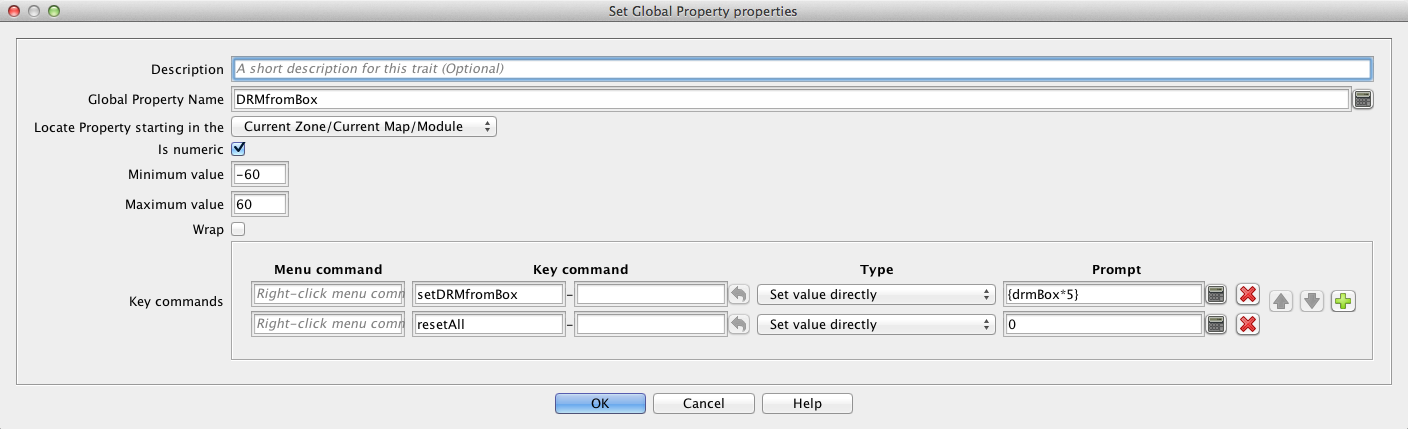
- Min/Max on the Set Global Property trait - applied for that particular SGP trait ONLY.
Hope this answers your question.
Unfortunately, it doesn’t. Thanks anyway.
The Set Value Directly prompt {drmBox*5} leads to results beyond the limits that are given in the Global Property component as well as in the Global Property trait.
That was the point @marktb1961 was trying to get across: Each instance of a component
must enforce the limits themselves. The limits set in the Global Property are not respected by e.g. Set Global Property. Thus, you must set the minimum and maximum value in the Set Global Property too.
For example, you define the global property Foo as numeric and with min=1 and max=42. Then any Change-Property Toolbar Button defined on that Global Property will respect those bounds.
A piece defines a Set Global Property that modifies the Global Property Foo and sets min=-42 and max=1. Then, that trait can change the value Foo beyond the lower bound of 1. The trait should set min=1 and max=42 to be in sync with the Global Property.
It is unfortunate that the Set Global Property doesn’t respect the Global Property, and you are forced to do the sync by hand.
Yours,
Christian
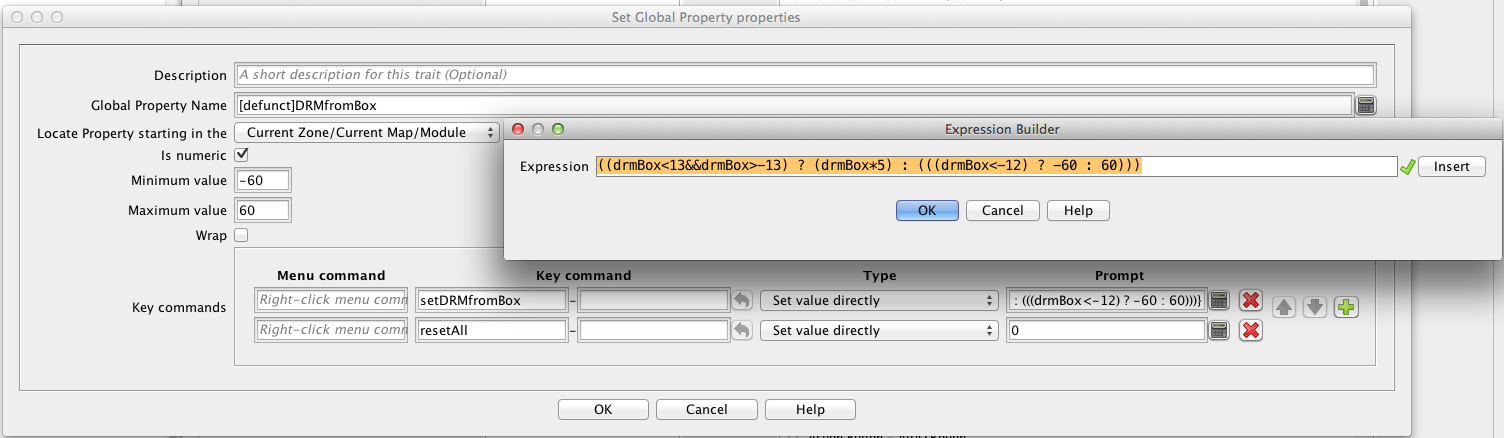
Perhaps a better expression would be
{Math.min(Math.max(-60,drmBox * 5), 60)
And checking the code, it seems that the min, max configurations are complete ignored - sigh!
Many thanks for the better expression!
No worries.
Remember to mark the answer that best solved your problem - could be your own post - as the solution, so that others can see that the problem has been solved and easily find the solution. Only you, as the OP, can do that.
Yours,
Christian