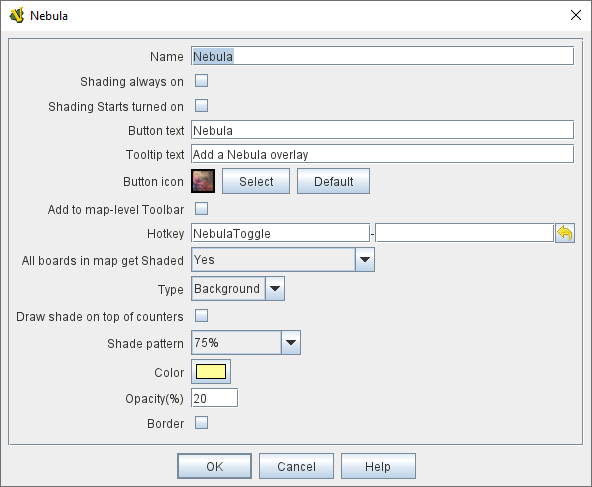
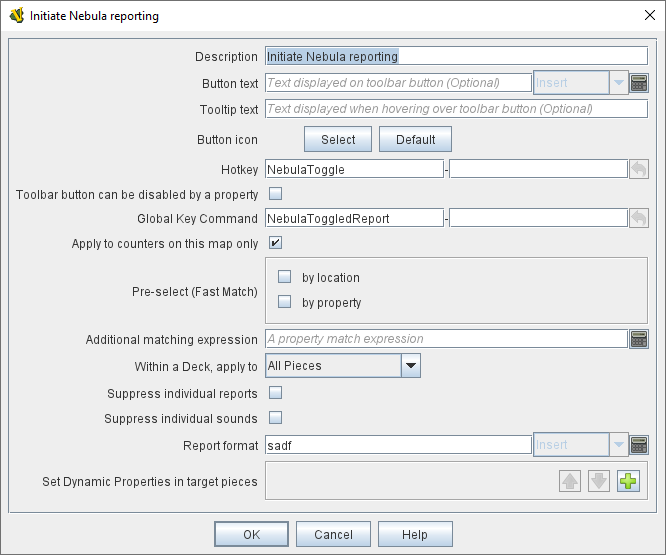
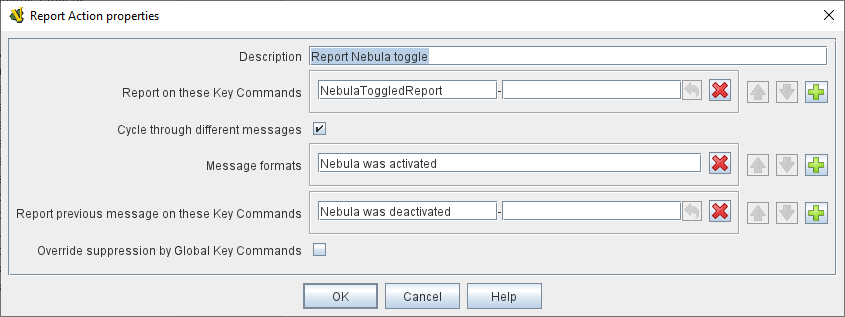
You will need to add a Report Action trait to a piece that lives on the matching map. If you don’t already have one, you can just create a new piece with no image, with the Does Not Stack trait set to make it unselectable & immobile; with no image set, the piece will also be invisible. You can use this piece for any other traits you might come up with that need to be fired (such as initial game set up tasks). FYI, you can save some processing time if you change your GKC to “Within a Deck, apply to: No Pieces"; that way VASSAL won’t waste time going through every piece in every deck trying to find valid targets for the command (admittedly, this will have no effect if you have no Decks on that map, but it’s a good practice to get into unless you really need to target a piece in a deck).
It needs to be a piece that exists on the map, in an At-Start Stack. Also, you need to click the “+” to the right of “Message formats” and put your second message in the new text box that appears, not where you actually put it.