For a game that uses counters which are hexagons, not squares, is there a tool that could slap a hexagon grid over an image of a bunch of them and automatically generate the individual piece images?
Try something like the Python script below:
#!/usr/bin/env python

def mask(image):
    from PIL import Image, ImageDraw

    h      = image.height
    w      = image.width
    mask   = Image.new('L', (image.size), 0)
    draw   = ImageDraw.Draw(mask)
    draw.polygon([[w,    h/2],
                  [w*3/4,0],
                  [w*1/4,0],
                  [0,    h/2],
                  [w*1/4,h],
                  [w*3/4,h],
                  [w,    h/2]],
                 fill=255)

    image.putalpha(mask)


def hexCoords(col, row, width, height, stagger, offset=(0,0)):
    from numpy import asarray
    hoff = (-.5 if stagger else 1) * (col % 2)
    return asarray(
        [[offset[0] + col * width,
          offset[1] + (row + hoff) * height]])

def run(filename,
        offset,
        width,
        height,
        stagger,
        prefix=''):
    from PIL import Image

    image  = Image.open(filename)
    hw     = 4 * width / 3
    hh     = height
    fullw  = image.width
    fullh  = image.height
    ncol   = int((fullw + hw // 2 - offset[0]) // width)
    nrow   = int((fullh + hh // 2 - offset[1]) // height)

    for col in range(0,ncol):
        for row in range(0,nrow):
            x, y = hexCoords(col, row, width, height, stagger, offset)[0]
            ulx  = int(x - hw / 2)
            uly  = int(y - hh / 2)
            lrx  = ulx + hw
            lry  = uly + hh
            crop = image.crop([ulx, uly, lrx, lry])
            mask(crop)
            crop.save(f'{prefix}{col:02d}{row:02d}.png')

if __name__ == '__main__':
    from argparse import ArgumentParser, FileType
    ap = ArgumentParser(description='Extract Hex-shaped images')
    ap.add_argument('input',type=FileType('rb'),help='Image to extract from')
    ap.add_argument('-W','--hex-width', type=float,
                    help='Hex width - Vassal style (3/4 of full width)',
                    default=118 * 3 / 4)
    ap.add_argument('-H','--hex-height',type=float,
                    help='Hex height - Vassal style',
                    default=102.5)
    ap.add_argument('-e','--even-columns',choices=['high','low'],
                    help='Are even columns high or low',
                    default='high')
    ap.add_argument('-x','--x-offset', type=float,
                    help='X offset from top-left of centre of top-left hex',
                    default=118 * 3 / 4),
    ap.add_argument('-y','--y-offset', type=float,
                    help='Y offset from top-left of cenre of top-left hex',
                    default=3 * 102.5 / 2)
    ap.add_argument('-p','--prefix',type=str,default='',
                    help='Prefix on output files')

    args = ap.parse_args()

    run(args.input,
        (args.x_offset,args.y_offset),
        args.hex_width, args.hex_height,
        args.even_columns == 'high',
        args.prefix)

#
# EOF
#
- it requires Python
- It requires
pillow- install withpip install pillow - It does not deal with rotated images
- output images have transparent background
- support various options: Run with the
--helpoption to see them - and probably some other bugs too

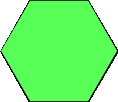
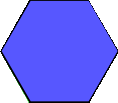
Using it one an image like
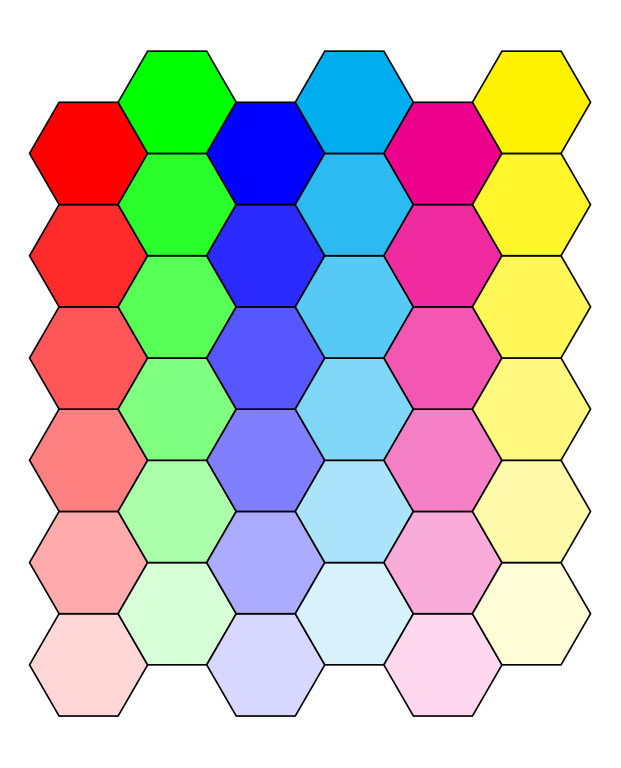
yields images like
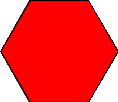
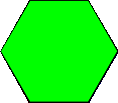
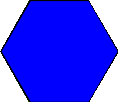
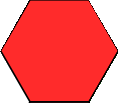
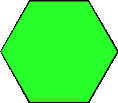
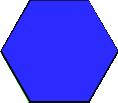
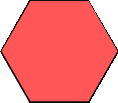
Yours,
Christian
See also here for an updated, more capable, script.
Yours,
Christian