VASSAL 3.8.0-beta3 Released
The VASSAL Team is happy to announce VASSAL 3.8.0-beta3, which is a preview release.
IMPORTANT
- Saves and logs from 3.8.0-beta2 might not be openable with 3.8.0-beta3. If you have such a file and need to open it in 3.8.0-beta3, please contact us for help.
- Starting with 3.7.25, Vassal requires Java 17 or newer. If you are using one of the MacOS or Windows packages, Java is bundled with Vassal and this will not affect you. If you are using Linux or another OS, please upgrade Java to at least Java 17.
- Modules saved in 3.8 are not openable by earlier versions of Vassal. We recommend keeping a backup copy of any pre-3.8 modules you plan to modify in 3.8 until you’ve verified that everything works to your satisfaction.
- Things may be broken which worked previously. If you find a new bug, please report it.
Download
Linux
Linux (Debian)
Linux (RPM)
MacOS
Windows (64-bit x86)
Windows (32-bit x86)
Windows (64-bit ARM)
Other
Changes since 3.8.0-beta2 and 3.7.30
New features
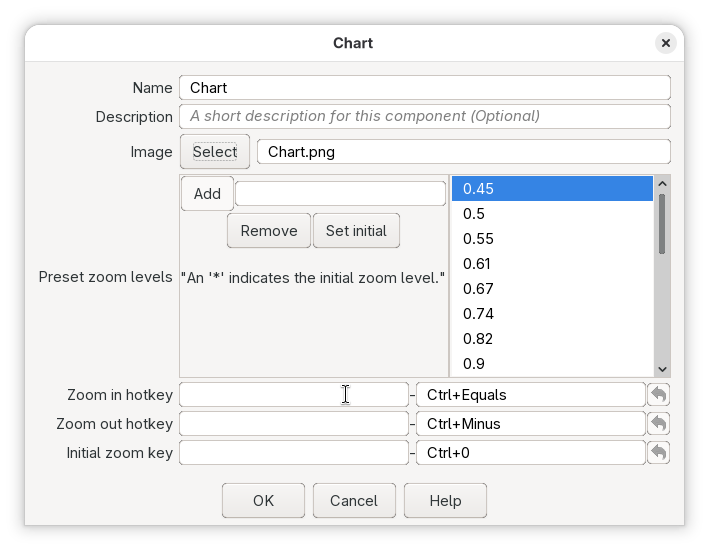
- 15097: Make Charts zoomable
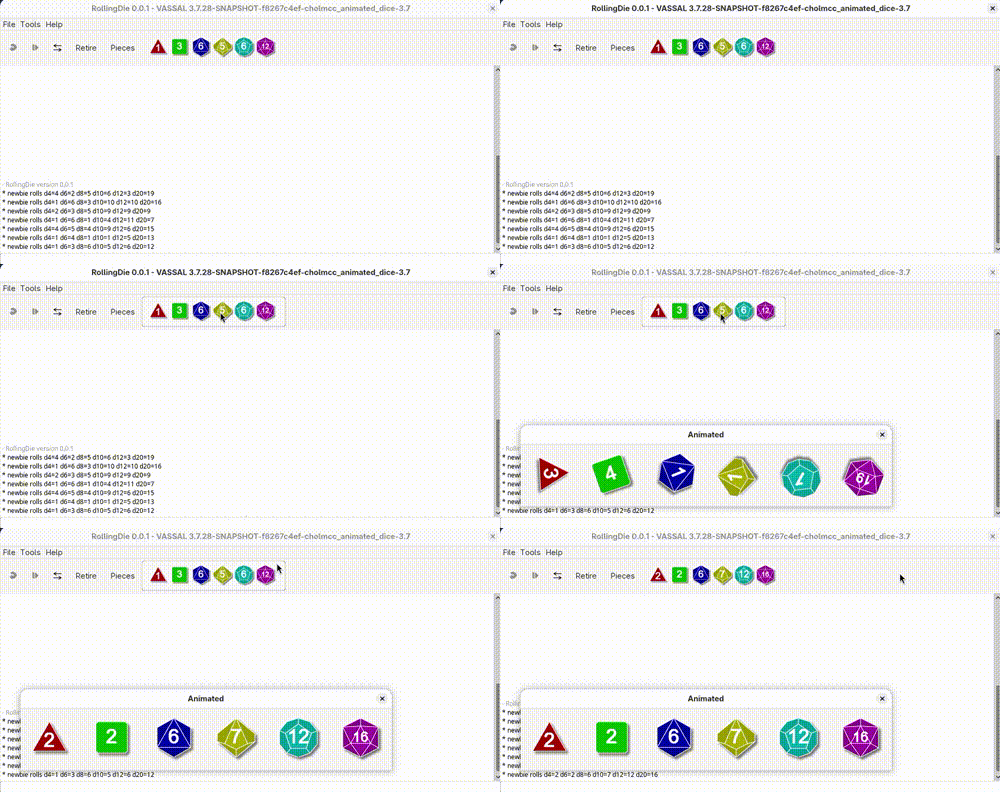
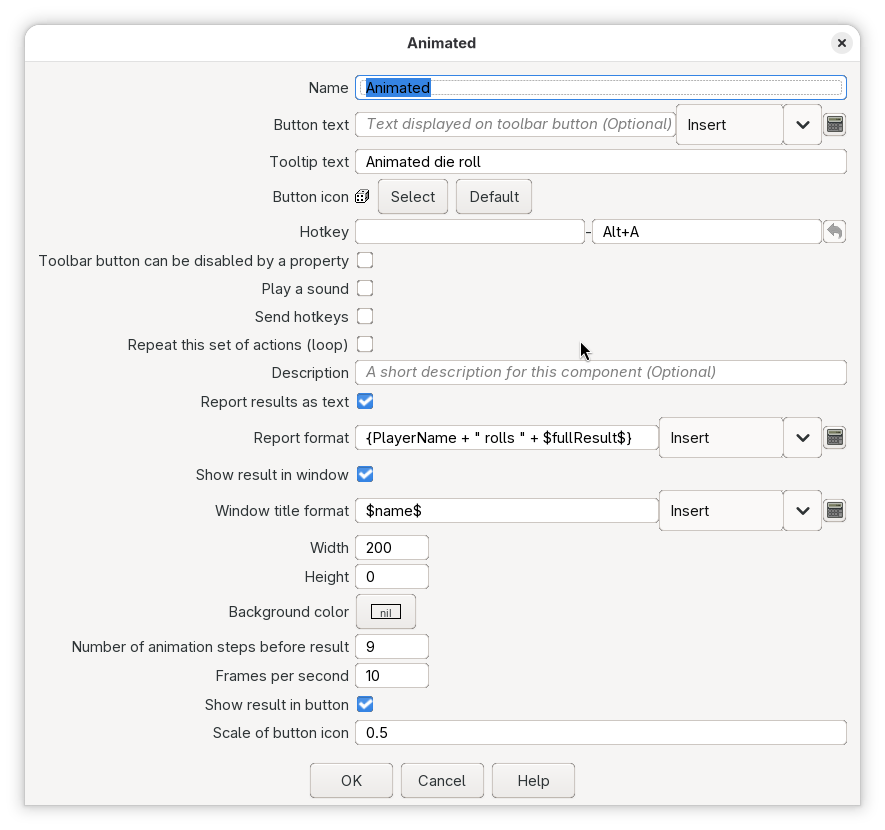
- 14581: Added animated symbolic dice button
Bug fixes
- 15141: Fix NPE when rendering boards to non-map contexts
Improvements
- 15121: Compress the saved-game command log with XZ
Other changes
- 15099: Removed the deprecated loadGameOld Action
See the Release Notes for descriptions of the changes in 3.8.
Minimum Requirements
VASSAL 3.8 requires Java 17 or later.
The Windows and MacOS packages have an appropriate version of Java bundled with them, so there is no need to install Java separately on those operating systems. On Linux, use your package manager to install Java 17 or later.
If you are using MacOS 14, please ensure you are using 14.4 or later, to avoid a bug in MacOS which prevents Vassal from starting.
Help us test
Please report bugs in the Technical Support & Bugs category at the VASSAL forum.
Cheers,
The VASSAL Team